How To Send A Press Release Via Email To Your Customers
Blasting your customer list with a corporate media document will tank your open rates and spike unsubscribes. Here is how to share major news without burning your most valuable asset.
Sending company announcements to your customer base requires a completely different approach than pitching journalists. By translating formal news into personalized updates, you can leverage your existing audience to build momentum, protect your email deliverability, and drive immediate capital efficiency.
The Mass Email Mistake You Cannot Afford
I see this happen almost every week in the startup ecosystem. A founder scores a major partnership, launches a flagship product, or hits a funding milestone.
In the rush of excitement, they take the exact press release intended for journalists, paste it into their marketing software, and hit send to their entire customer database.
What actually happens on the ground? Open rates plummet. Unsubscribe requests spike. The few people who do read it are confused by the sterile, third-person corporate tone.
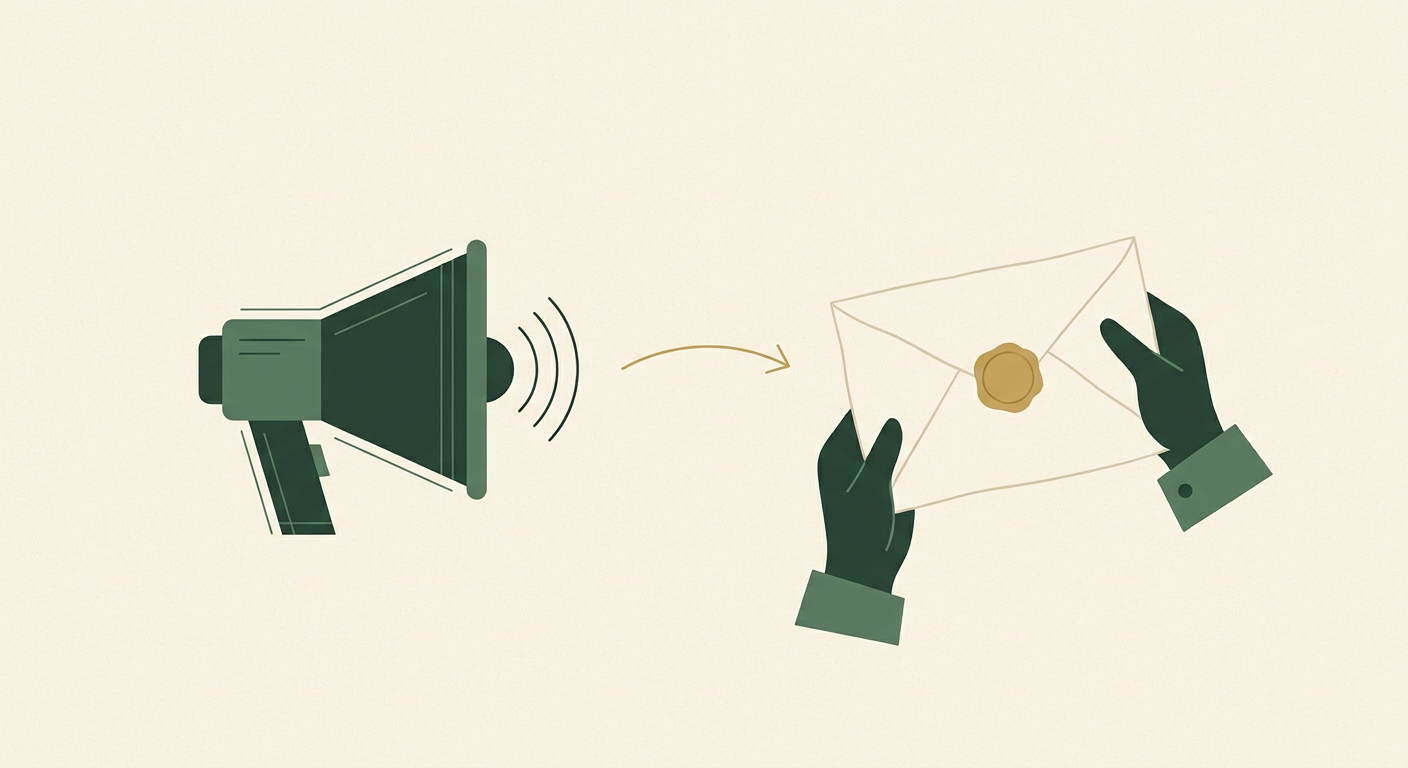
When you blast your customer list with a formal media document, you are signaling that you view them as a megaphone, not a valued partner. The relationship immediately feels transactional.
You are burning cash and trust simultaneously. Your customers are not reporters; they do not care about your media narrative. They only care about how your news impacts their daily lives.
Why Your Customers Hate Corporate Announcements
The standard, failing approach treats a loyal customer like a cold media prospect.
Companies will leave the boilerplate intact, write in the third person, and load the email with bloated executive quotes that sound like they were generated by a legal team.
When you force strict AP formatting rules onto a customer newsletter, you create immediate friction. It feels disconnected and robotic. Look at your own inbox: how quickly do you archive an email that starts with a dateline and ends with a forward-looking statement?
Worse, from a technical standpoint in 2026, dropping a massive PDF attachment or a heavy, image-dense HTML file into your email blast is a massive deliverability hazard.
Modern AI spam filters will aggressively quarantine these messages, ensuring your big announcement never even sees the primary inbox. Nothing says "we value your business" like a 4MB PDF that immediately crashes their mobile mail client.
The "Inside Scoop" Pivot
Throwing more effort at this broken system fails because the medium does not match the audience.
The turning point is a fundamental structural shift: you must separate the media document from the customer communication. Instead of sending the news, you need to send the implication of the news.
You are giving your customers the inside scoop. You transform a dry corporate update into an exclusive, founder-to-customer conversation.
This approach builds loyalty, encourages replies, and leverages your existing audience for word-of-mouth momentum without spending an extra dime on paid acquisition.
Re-engineering the Customer Announcement
To execute this pivot correctly, you need to rebuild your announcement strategy from the ground up. Here is how to create a high-leverage engine that protects your domain reputation.
Translate the Narrative, Ditch the Jargon
In my experience, the highest-ROI move is a complete contextual rewrite. You must translate facts into benefits.
If you just raised a Series A, do not talk about the venture capital climate. Tell your customers that you now have the resources to hire more support staff and accelerate the product roadmap they have been asking for.
Write the email in the first person, coming directly from the founder or the head of product. Keep the tone conversational, brief, and ruthlessly focused on the reader's experience.
Customer-Centric PR Translation Prompt
You are an expert copywriter. I am providing a formal press release. Rewrite the core announcement into a 150-word plain-text email addressed to our existing customers. Write in the first person from the CEO. Remove all corporate jargon, third-person quotes, and media formatting. Focus entirely on how this news benefits the customer's daily experience. Here is the press release: [Insert Text]Defend Your Deliverability at All Costs
In 2026, mailbox providers enforce strict domain alignment rules. A generic corporate blast that triggers a sudden spike in rapid deletions will severely damage your domain reputation.
Before you send anything, you must ruthlessly segment your audience. Only email active customers who have logged in, purchased, or opened an email in the last 90 days.
Ensure your DMARC, SPF, and DKIM records are flawless. Maintain an under 0.1% spam complaint rate by keeping the email plain-text, highly relevant, and never attempting to hide the mandatory one-click unsubscribe headers.
The Hybrid Plain-Text Playbook
Never send the full media document in the email body.
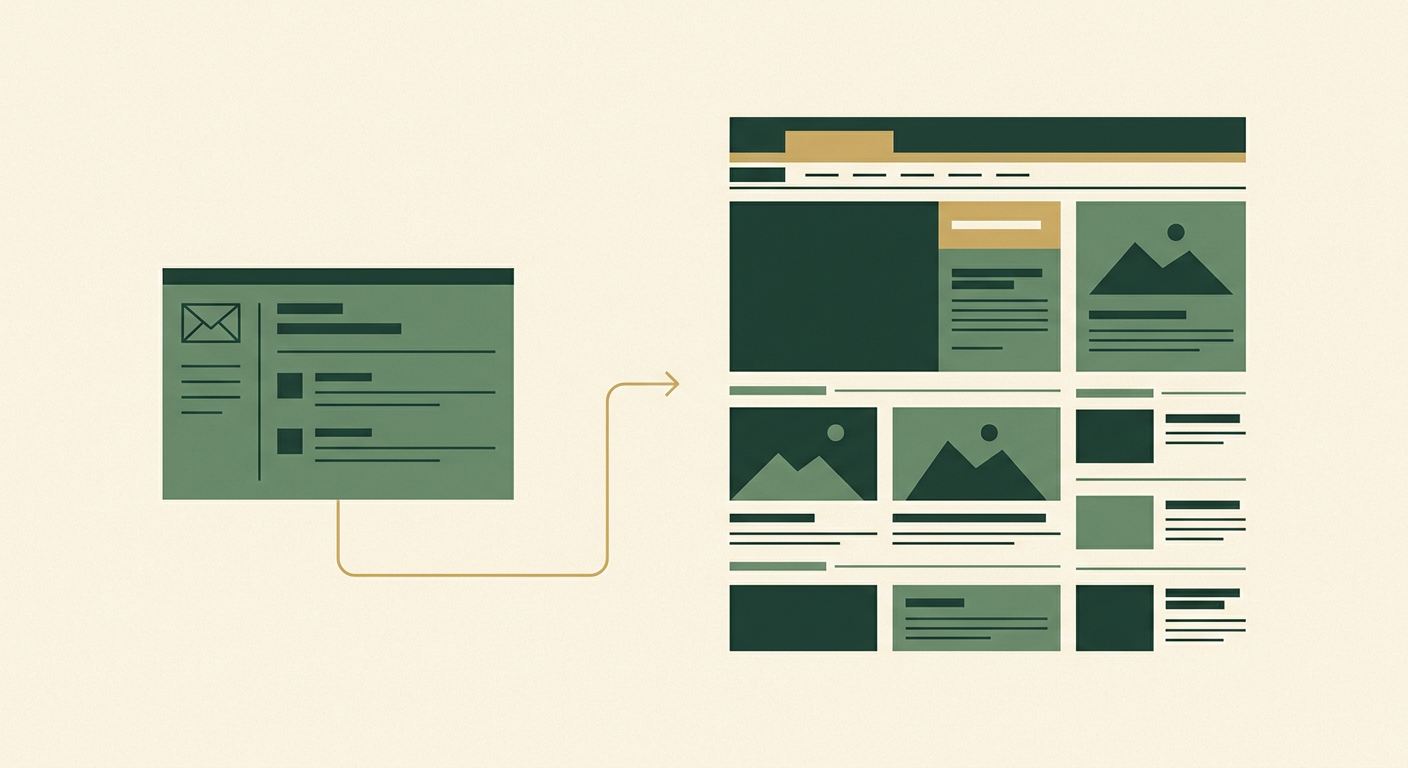
Instead, use a short, plain-text email that summarizes the value and links directly to your digital newsroom. This hybrid approach forces you to drive traffic, not attachments.
If you want to secure guaranteed distribution for the actual media asset, use a wire service. For your customers, give them the brief summary and a clean link to read the full story on your own domain.
The 7-Day Rollout Plan
Here is exactly what you need to do over the next week to transition from a broken broadcast to a high-leverage customer update:
- Day 1: Isolate the core benefit. Identify the single biggest reason your customers should care about your news.
- Day 2-3: Segment your list. Strip out cold subscribers and isolate the active users who have engaged within the last 90 days.
- Day 4: Write the hybrid email. Draft a 150-word, plain-text message from a real person's email address without corporate jargon.
- Day 5: Audit your infrastructure. Run a deliverability check to ensure your domain authentication passes current filtering standards.
- Day 6: Publish the full release. Host the complete, formal document on your website so you have a clean URL to share.
- Day 7: Send, monitor, and reply. Launch the campaign and actively monitor your inbox. Replying to customer congratulations trains spam filters that you are a legitimate sender.
Capital Efficiency Means Protecting Your List
Your email list is one of the few growth assets you fully control. Protecting its integrity should be your highest priority when distributing news.
When you leverage your existing audience with respect, you drive immediate, capital-efficient growth without relying on paid acquisition. Treating your customers like insiders rather than a generic media database is the fastest way to turn an announcement into revenue.
Stop burning your list with sterile corporate jargon. If you want to handle your media outreach properly, let our press release distribution service handle the journalists while you focus on talking directly to your customers.
Key takeaways
Never send raw media documents to your active customers. Translate your news into a concise, plain-text, founder-led email that focuses entirely on user benefits, and link out to your website to protect your email deliverability and drive high-intent traffic.
See distribution plansFrequently asked questions
Can I just attach my press release as a PDF to a customer email?
No. Sending large PDF attachments to a bulk list is a major deliverability hazard. Spam filters often flag unsolicited attachments, which can severely damage your domain reputation and ensure your email never reaches the inbox.
Should I use my regular marketing newsletter template for company announcements?
It is generally better to use a plain-text format for major company news. A plain-text email coming directly from a founder or executive feels more personal and urgent than a heavily designed HTML newsletter, naturally increasing engagement and readability.
Do I need to include a boilerplate when emailing my own customers?
Absolutely not. Your active customers already know who you are and what your company does. Including a standard corporate summary at the bottom of a customer email wastes space and makes the message feel robotic and impersonal.
What is the ideal length for a customer-facing news email?
Keep the email brief, ideally between 100 and 150 words. State the news clearly, explain how it directly benefits the customer, and provide a single link to your website where they can read the full, detailed announcement if they choose.
Will sending news to inactive customers hurt my deliverability?
Yes. Emailing users who have not engaged with your brand in over 90 days significantly increases the risk of spam complaints and hard bounces. Always segment your list and send announcements only to your most active and engaged audience.
Keep reading
5 min read
How To Send A Press Release (With Guaranteed Publishing)
Discover the battle-tested approach to sending a press release with guaranteed publishing. Learn how to navigate syndication networks, avoid common SEO traps, and secure high-authority media placements that genuinely build your brand’s digital footprint.
23 September 2026
5 min read
Should You Use Press Release Services? The Pros And Cons
Discover the real pros and cons of modern press release distribution. We strip away the vanity metrics to reveal how founders can leverage these services for actual ROI without overpaying for empty syndication.
19 September 2026
4 min read
How To Write An LLM Optimized Press Release That Gets Cited (What Llms Are Looking For)
Discover how to optimize your announcements for generative AI engines like ChatGPT and Perplexity. Learn the exact structure, formatting rules, and factual density required to ensure your brand gets cited in AI-generated answers.
16 September 2026Join the conversation
Comments are read by our editors before they appear on the page.